Dayslot on iPhone Duo
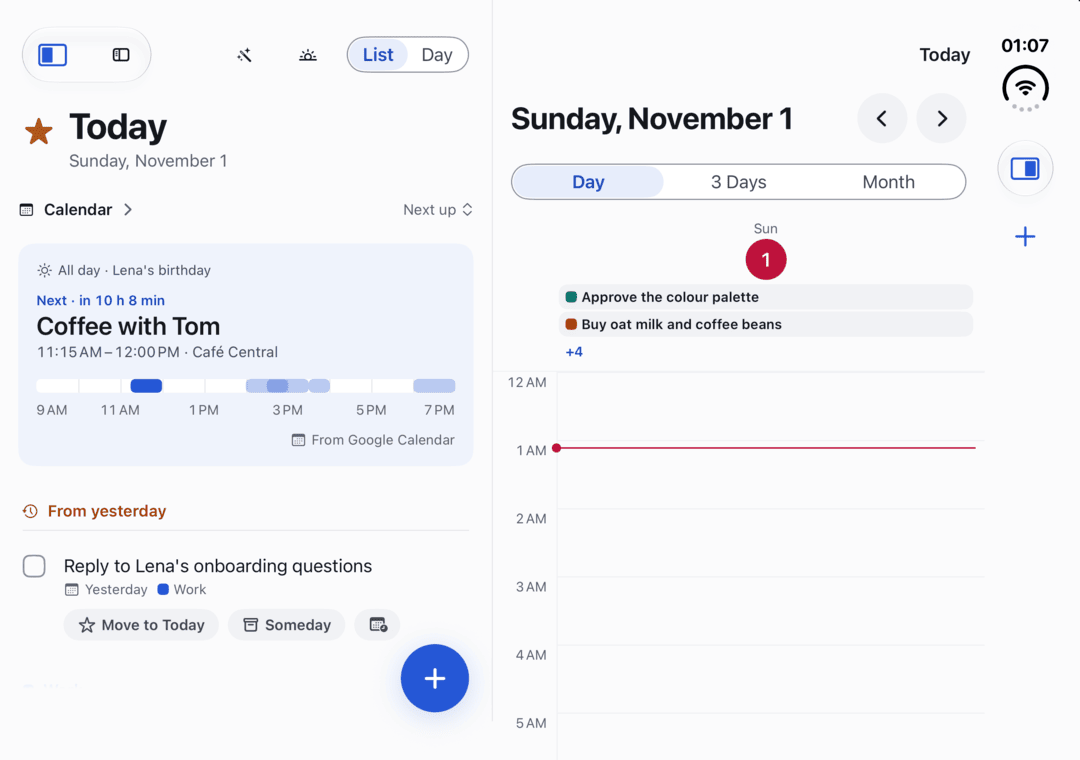
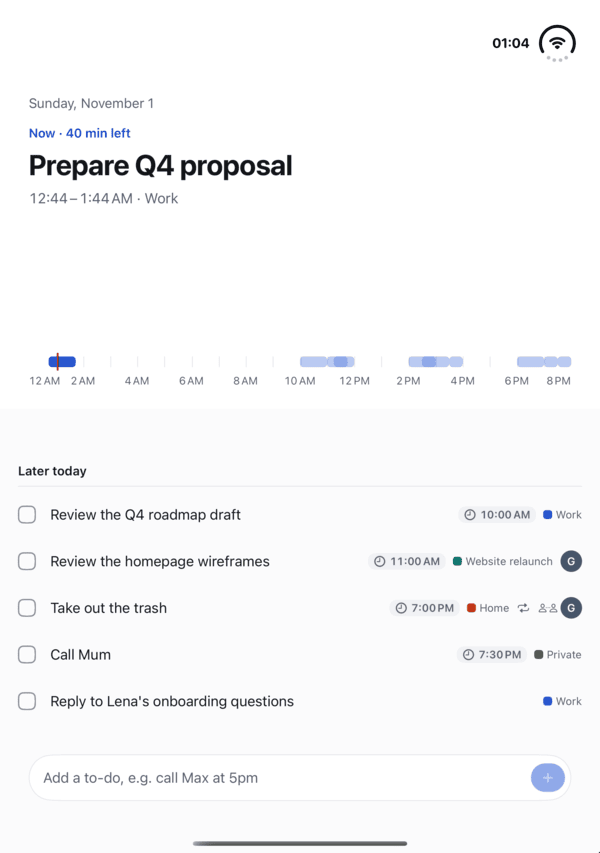
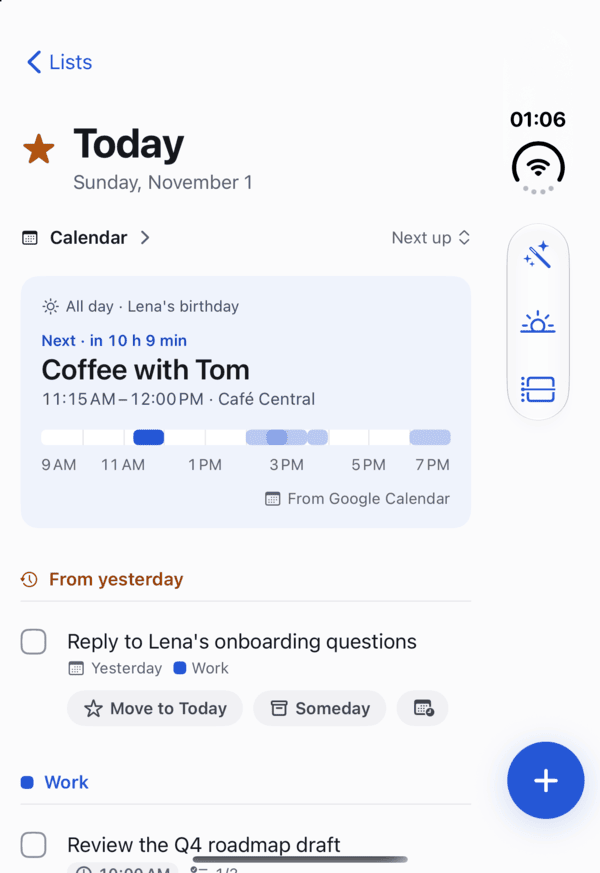
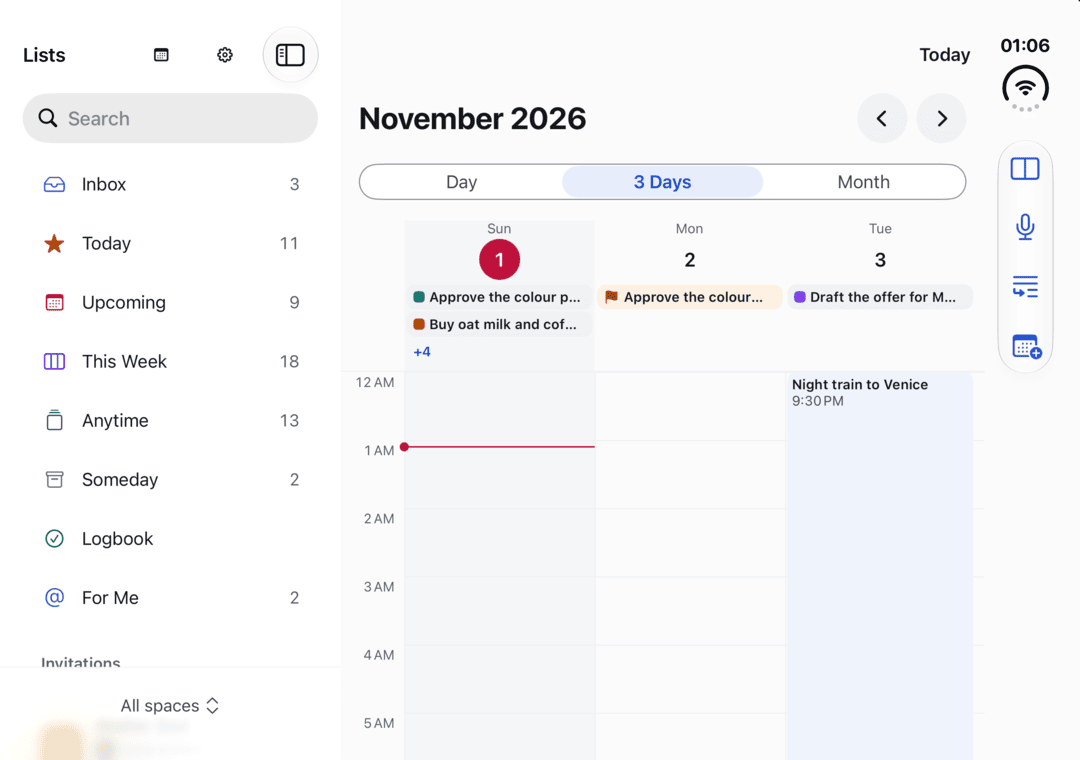
A phone that opens into a small tablet asks a simple question: what should a to-do app do with a fold? Our answer turned out simpler than our first plan.
Blog
What we’re working on, why, and how it fits together. Written by the people making Dayslot.
A phone that opens into a small tablet asks a simple question: what should a to-do app do with a fold? Our answer turned out simpler than our first plan.
A to-do list that doesn’t know about your meetings will happily give you eight hours of work on a day with six hours of calls. Here is how Dayslot helps you plan the time you actually have.
Tasks live in one app, time lives in another, and you are the bridge. Dayslot is a calm to-do app that puts the two together, on iPhone, iPad and Mac.